Platform comparison / Business applications
Replit alternatives: 6 tools compared for business apps
Lovable, Bolt, v0, Cursor, GitHub Codespaces and CodeSandbox all deserve a look. Here is what each offers, where it fits, and why Replit remains our preferred starting point for guided application building.
· By AI Architect
The best Replit alternative depends on what you want to replace. An AI app builder, a coding assistant and a cloud development environment solve different problems. For a business owner learning to build an application, our recommendation is to evaluate the complete journey: planning, interface, data, access, testing and publishing, not just the first generated screen.
Replit alternatives at a glance
| Tool | Type | Worth considering for |
|---|---|---|
| Lovable | AI app builder | Product ideas and visually led web apps |
| Bolt | Browser-based AI builder | Interactive prototypes and web products |
| v0 by Vercel | AI builder in the Vercel ecosystem | Web interfaces and Next.js-based applications |
| Cursor | AI coding environment | Developers working on existing codebases |
| GitHub Codespaces | Cloud development environment | GitHub-centred teams and reproducible development |
| CodeSandbox | Sandbox and code-execution infrastructure | Code playgrounds and developers building agent infrastructure |
01 / AI app builder
Lovable
Product ideas and visually led web apps
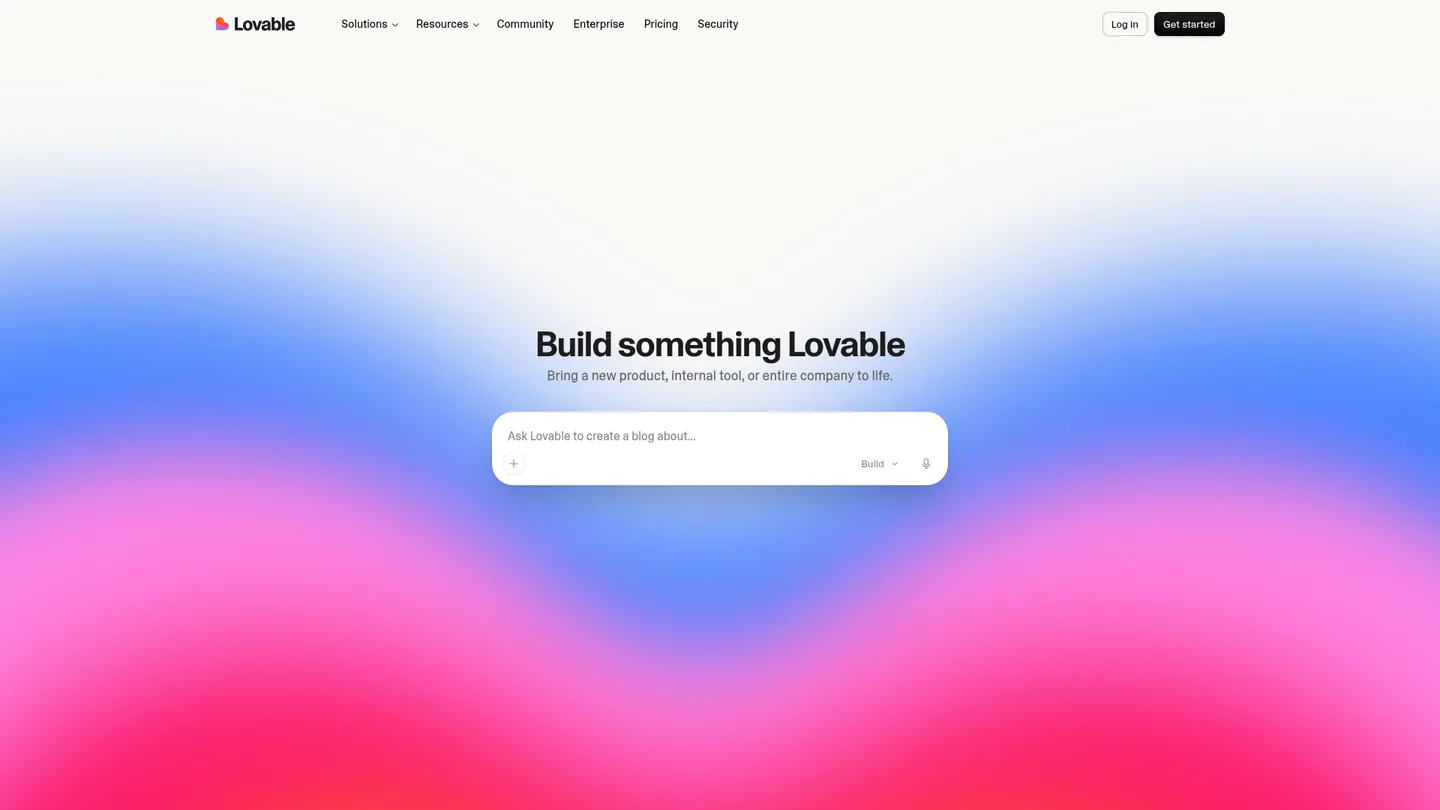
Lovable is a credible Replit alternative for founders and product teams who want to describe a web application in plain language and refine it visually. Its current platform is not just a front-end generator: Lovable Cloud offers hosting, authentication and backend infrastructure. That makes it worth considering for an internal tool or a customer-facing web product.
Benefits
- Start from a product brief rather than a blank code editor.
- Iterate on the interface and user journey through a conversational workflow.
- Bring hosting and backend services together through Lovable Cloud.
What to check
Check how your intended integrations, permissions and data model fit the platform. A good-looking first version is not evidence that its business rules or security controls are correct.
Why we would still consider Replit
We favour Replit when the aim is to learn how the whole application works, inspect the implementation and continue developing it through guided sessions. Lovable remains a reasonable choice when its building workflow better matches your team.
Official source: Lovable02 / Browser-based AI builder
Bolt
Interactive prototypes and web products
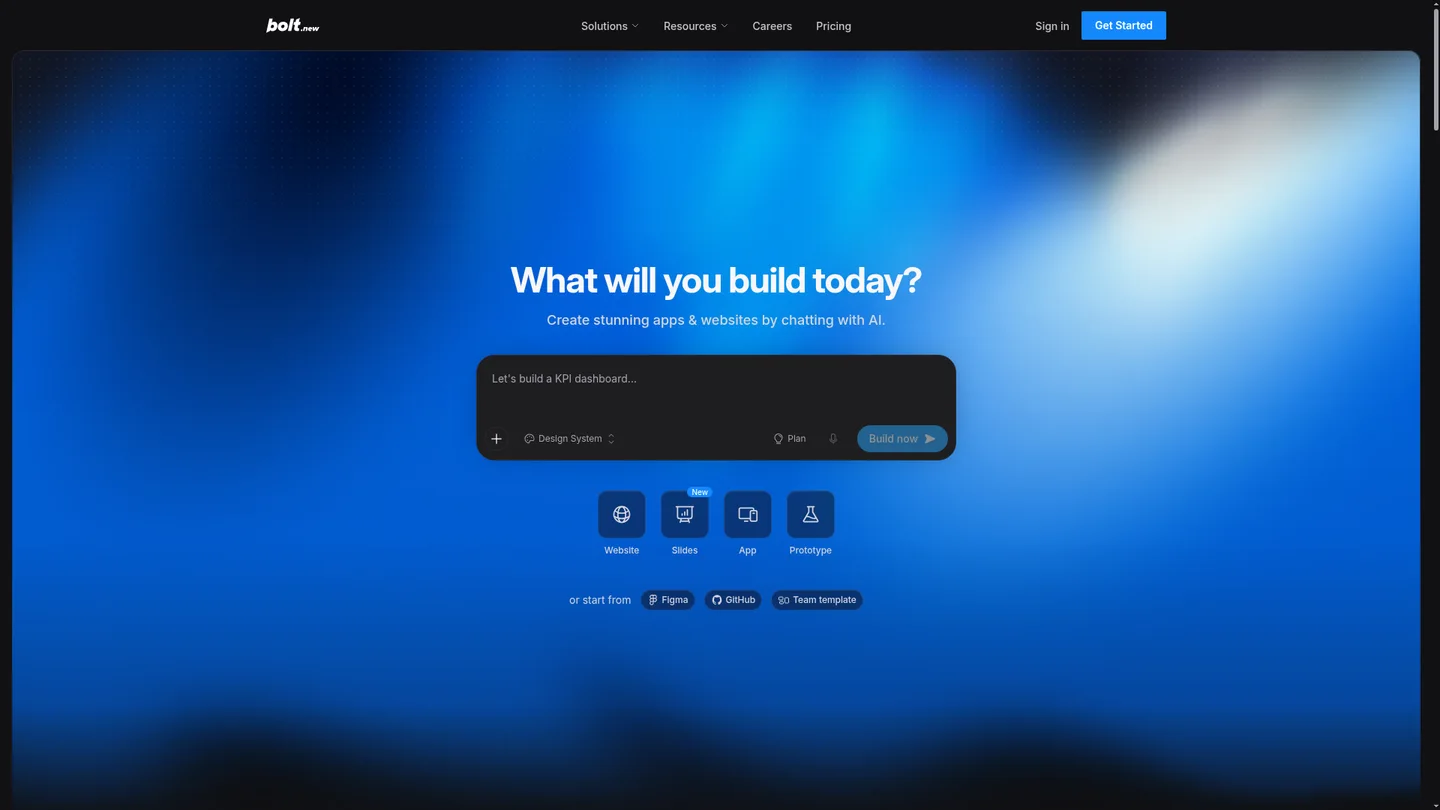
Bolt lets you create apps and websites by chatting with AI in the browser. Its current homepage presents Bolt Cloud with databases, user management, authentication and hosting, alongside ways to start from Figma or GitHub. It is a useful option when a product team wants to turn an idea into something it can discuss and refine together.
Benefits
- Build and preview an interactive idea without starting with a local development setup.
- Use an existing design or repository as a starting point.
- Access backend and publishing features through Bolt Cloud.
What to check
Evaluate the actual workload, not just the generated preview. Confirm which services are included, how usage is billed and how you will maintain the application after the initial build.
Why we would still consider Replit
Our reason to stay with Replit is continuity across building, understanding the code and publishing. For our training clients, keeping those activities in the same workspace is more useful than switching tools solely to generate a different first draft.
Official source: Bolt03 / AI builder in the Vercel ecosystem
v0 by Vercel
Web interfaces and Next.js-based applications
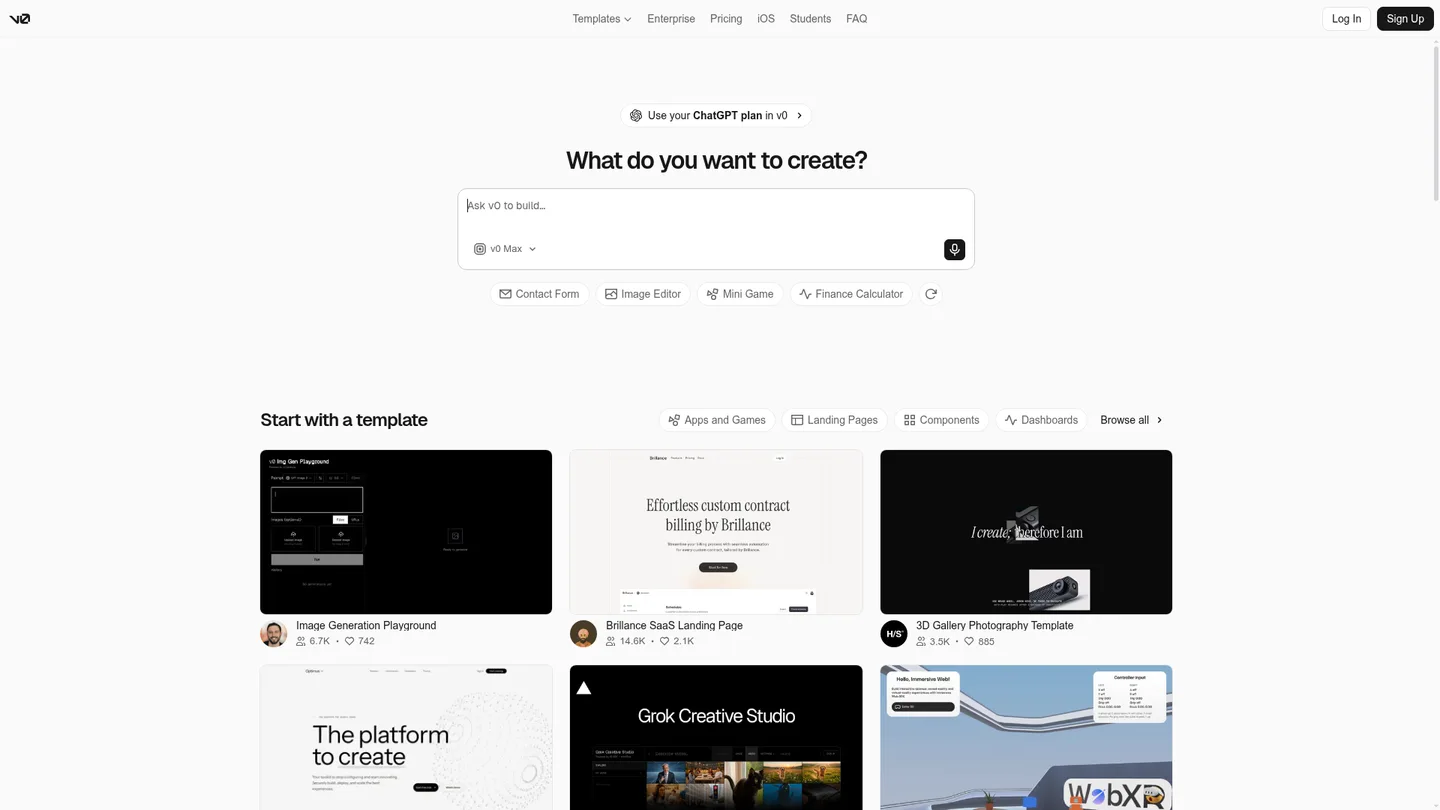
v0 is worth shortlisting when your team likes the Vercel ecosystem and wants to develop web interfaces from prompts and templates. Do not dismiss it as a UI-only tool: its official documentation also describes full-stack apps, backend endpoints and database integrations. Its template gallery can be a practical starting point for dashboards, landing pages and application screens.
Benefits
- Explore interface ideas through prompts and reusable templates.
- Build full-stack web functionality, including backend endpoints and connected databases.
- Work within the Vercel ecosystem if that is already your team's preferred delivery route.
What to check
Understand which parts of the application rely on Vercel and connected providers. Review the backend, access controls and operational costs rather than treating a generated interface as a complete delivery plan.
Why we would still consider Replit
We recommend Replit when the learner wants one browser workspace for application development and a publishing workflow, without beginning from a commitment to the Vercel ecosystem. If your team already prefers that ecosystem, v0 may be the more natural fit.
Official source: v0 by Vercel04 / AI coding environment
Cursor
Developers working on existing codebases
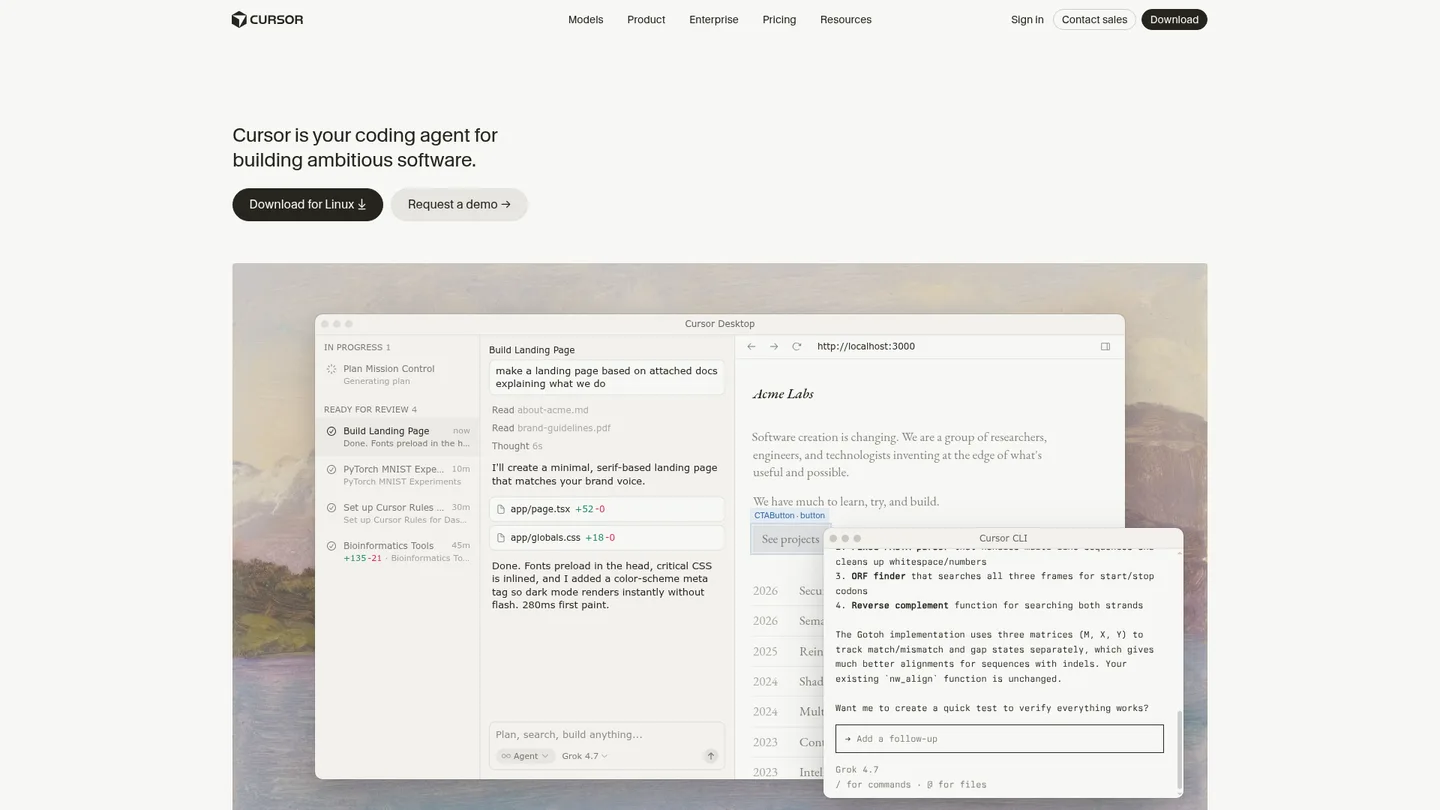
Cursor is a different kind of Replit alternative. Its current product spans a desktop coding environment, command-line tools and cloud agents, with workflows for working on code and reviewing changes. It is particularly relevant when a developer already has a repository, established engineering practices and a preferred deployment setup.
Benefits
- Bring AI assistance into code-focused development rather than starting only from an app brief.
- Work on an existing codebase with agent-supported changes and review.
- Choose desktop, terminal or cloud-agent workflows to suit the engineering team.
What to check
An AI coding tool is not the same thing as an application's production hosting. Map out your database, secrets, deployment and maintenance arrangements, even if an agent helps configure them.
Why we would still consider Replit
Replit is our preferred starting point for people who need help with the whole journey from idea to running application, not just assistance inside an established engineering workflow. Cursor can be a strong choice for experienced developers who want to retain their existing stack.
Official source: Cursor05 / Cloud development environment
GitHub Codespaces
GitHub-centred teams and reproducible development
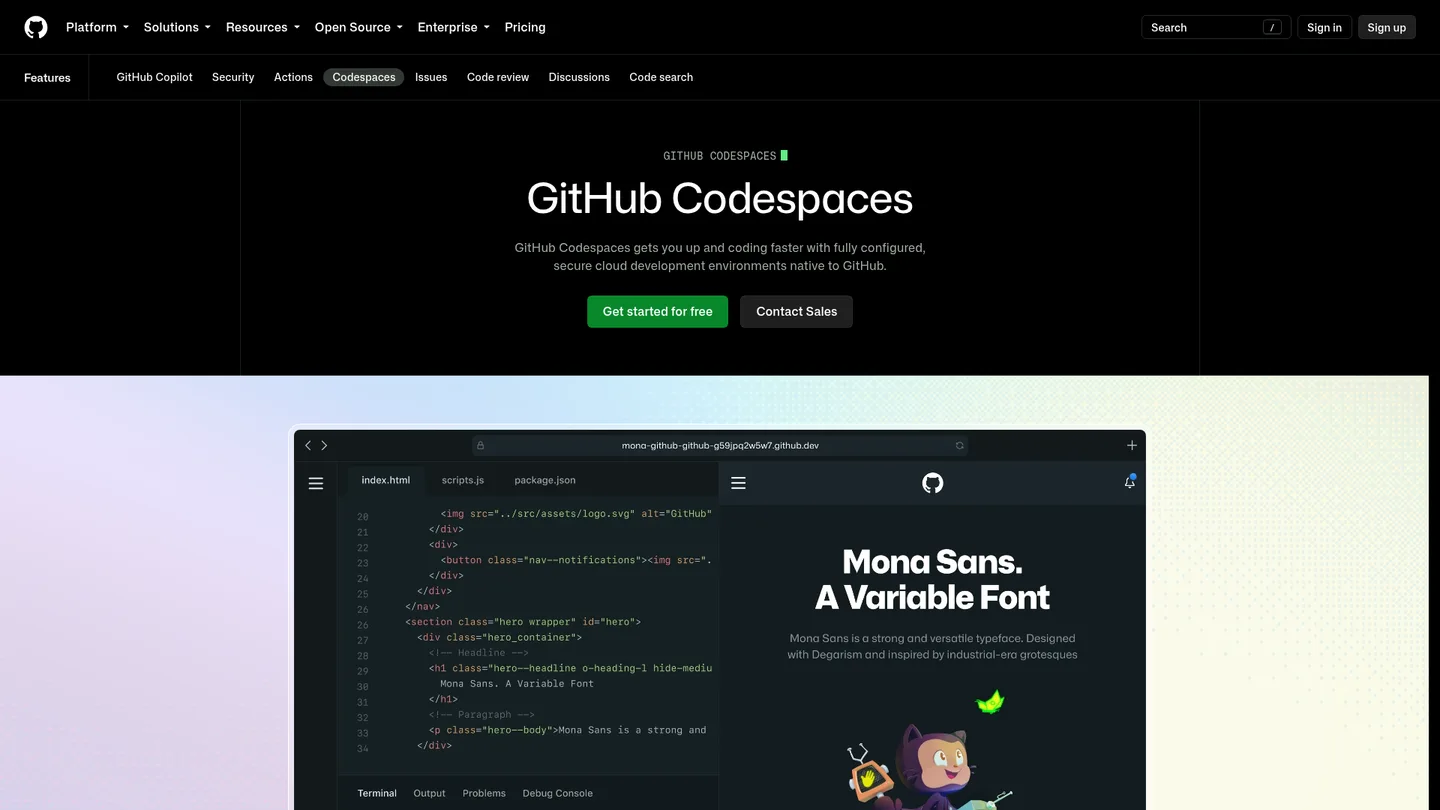
GitHub Codespaces provides cloud development environments connected to GitHub repositories. Its value is a consistent environment that can be opened from a browser or an IDE, making onboarding and repository-based development easier to organise. It is an alternative to Replit's development workspace, rather than a like-for-like replacement for an AI app-building and publishing platform.
Benefits
- Open a cloud development environment from an existing GitHub repository.
- Standardise project setup so developers do not each recreate it locally.
- Work across devices while keeping a repository-centred workflow.
What to check
Keep development and production separate. A codespace and a forwarded preview port are not a substitute for choosing and operating production hosting. Account for compute and storage usage, too.
Why we would still consider Replit
For the business owners and learners we support, Replit brings AI-assisted building and publishing closer together. Codespaces makes more sense when the main requirement is a configurable cloud development environment for an established GitHub-based team.
Official source: GitHub Codespaces06 / Sandbox and code-execution infrastructure
CodeSandbox
Code playgrounds and developers building agent infrastructure
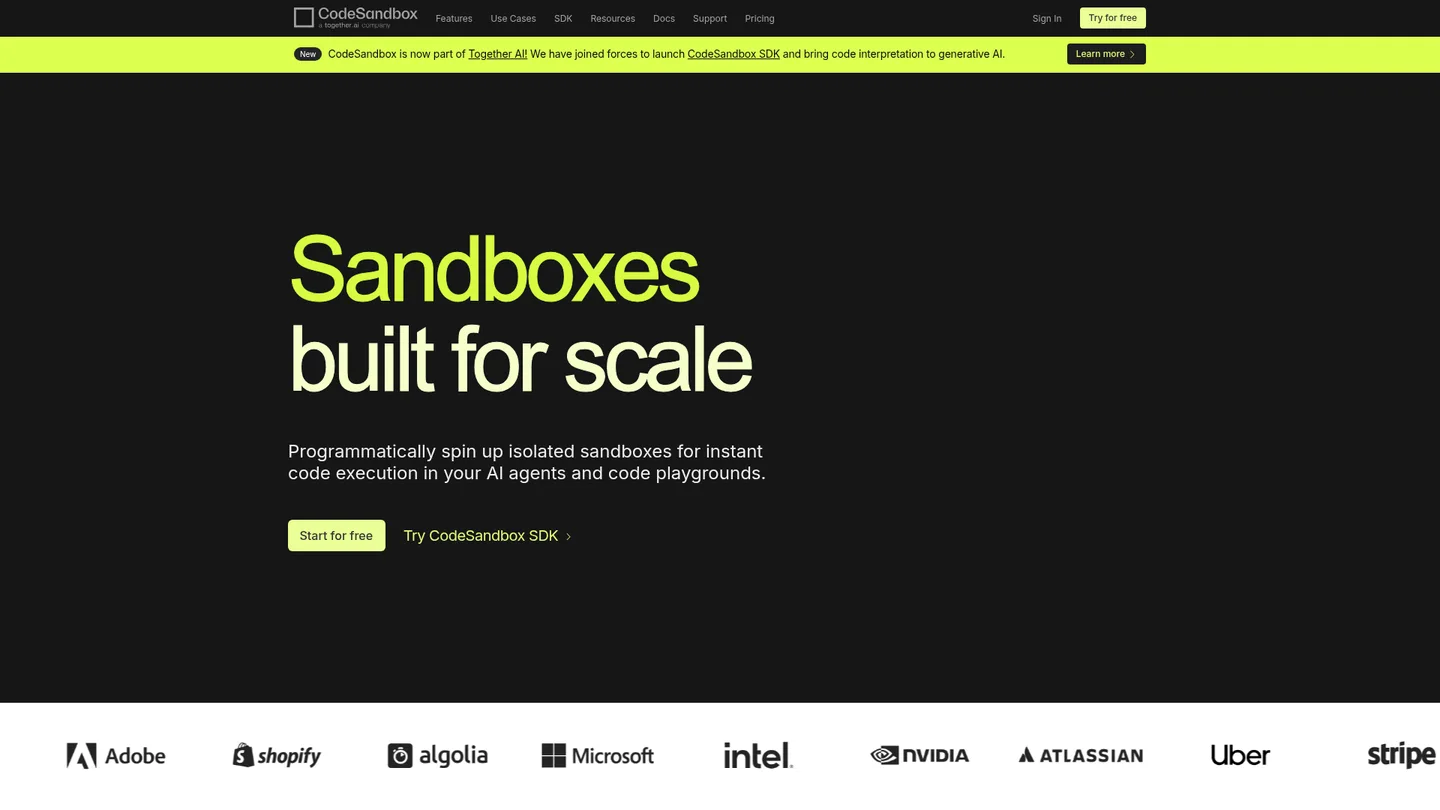
CodeSandbox belongs on a Replit alternatives shortlist, but its current positioning deserves attention. Now part of Together AI, its homepage emphasises the CodeSandbox SDK and isolated sandboxes for code execution in AI agents and playgrounds. That can be valuable for a technical team building development infrastructure; it is a different starting point from asking an AI builder to create a business application.
Benefits
- Create isolated environments for executing code.
- Use an SDK to provision sandboxes for agents or code playgrounds.
- Explore templates and environment infrastructure for developer-led projects.
What to check
Check the current product and plan against what you actually need. Older comparisons may describe a different emphasis. Running code in a sandbox is not the same as delivering a maintained customer-facing application.
Why we would still consider Replit
Replit is the more natural choice for our application-training offer because the objective is to plan, build, review and publish a business app. CodeSandbox is worth considering when the requirement is sandbox infrastructure itself.
Official source: CodeSandboxWhy Replit is still our recommendation for guided business-app building
We do not recommend Replit because every alternative is missing a backend or cannot publish. Several can do both. We recommend it because its combined workflow fits the way we teach people to build and continue developing their own applications.
One workspace for the application journey
Replit's official documentation describes AI-assisted development, live previews, database integration, secrets management and publishing. Having those activities together can reduce the setup burden for someone who is learning. It does not remove the need to understand or review the resulting application.
Learn from the implementation, not only the prompt
Our training uses work on your own application to discuss data models, permissions, integrations and testing. Replit lets us connect those decisions to the code and running preview. The aim is useful progress and greater understanding, not a promise that a finished commercial product appears automatically.
A route from learning to real business use
Our case studies show applications built with Replit, including the ASD Diagnostics portal and other business systems. They demonstrate what can be delivered with appropriate planning and development, not guaranteed results for every learner. We also offer software delivery when you need a build rather than a training programme.
How to choose a Replit alternative without creating extra work
- 01Build the same small workflow in your shortlisted tools: one form, a saved record, a user role and a working integration. A comparable task is more useful than comparing unrelated demos.
- 02Calculate the total cost. Include AI usage, development resources, production hosting, databases, storage and third-party services. A free starting plan is not a guarantee of free production operation.
- 03Check ownership and exit options. Establish how to export code and data, manage accounts, back up information and transfer the application if your arrangements change.
- 04Test the application, not the platform's marketing claims. Review permissions, validation, error handling and data processing locations. No AI builder makes an application automatically secure.
Replit alternatives: frequently asked questions
What is the best alternative to Replit?
There is no universal winner. Lovable and Bolt suit conversational web-app building; v0 is worth considering for Vercel-oriented projects; Cursor suits code-focused developers; Codespaces fits GitHub-based development; CodeSandbox is relevant to sandbox and code-execution needs. For guided business-application training, our preference is Replit.
Are there free Replit alternatives?
Some tools offer free entry points or included usage. GitHub documents monthly Codespaces allowances for personal accounts, with billing beyond included usage. Always check the current plan and distinguish experimentation from the cost of a live application. We do not rank these tools by a headline subscription price.
Is Replit better than Lovable or Bolt?
It depends on the workflow and project. Lovable and Bolt also offer backend and hosting capabilities, so those are not exclusive Replit advantages. We favour Replit's integrated development and publishing workflow for teaching application planning, code review and continued development.
Can I move an existing Replit app to another platform?
Potentially, but exporting code is only part of a migration. You also need a plan for data, files, secrets, authentication, domains and provider-specific services. Check the target platform's supported stack and test the new deployment before moving production traffic.
Research and sources
Official product pages and documentation reviewed on 6 October 2026. Recommendations are our editorial judgement, not vendor performance scores. Follow the sources for current features and pricing.
Before switching tools, learn to build with the one you have
Our standard 1:1 Replit programme provides 32 guided hours over eight weeks, working on your own application. Group training and intensive coaching are also available remotely. Training does not guarantee a completed or distribution-ready product.